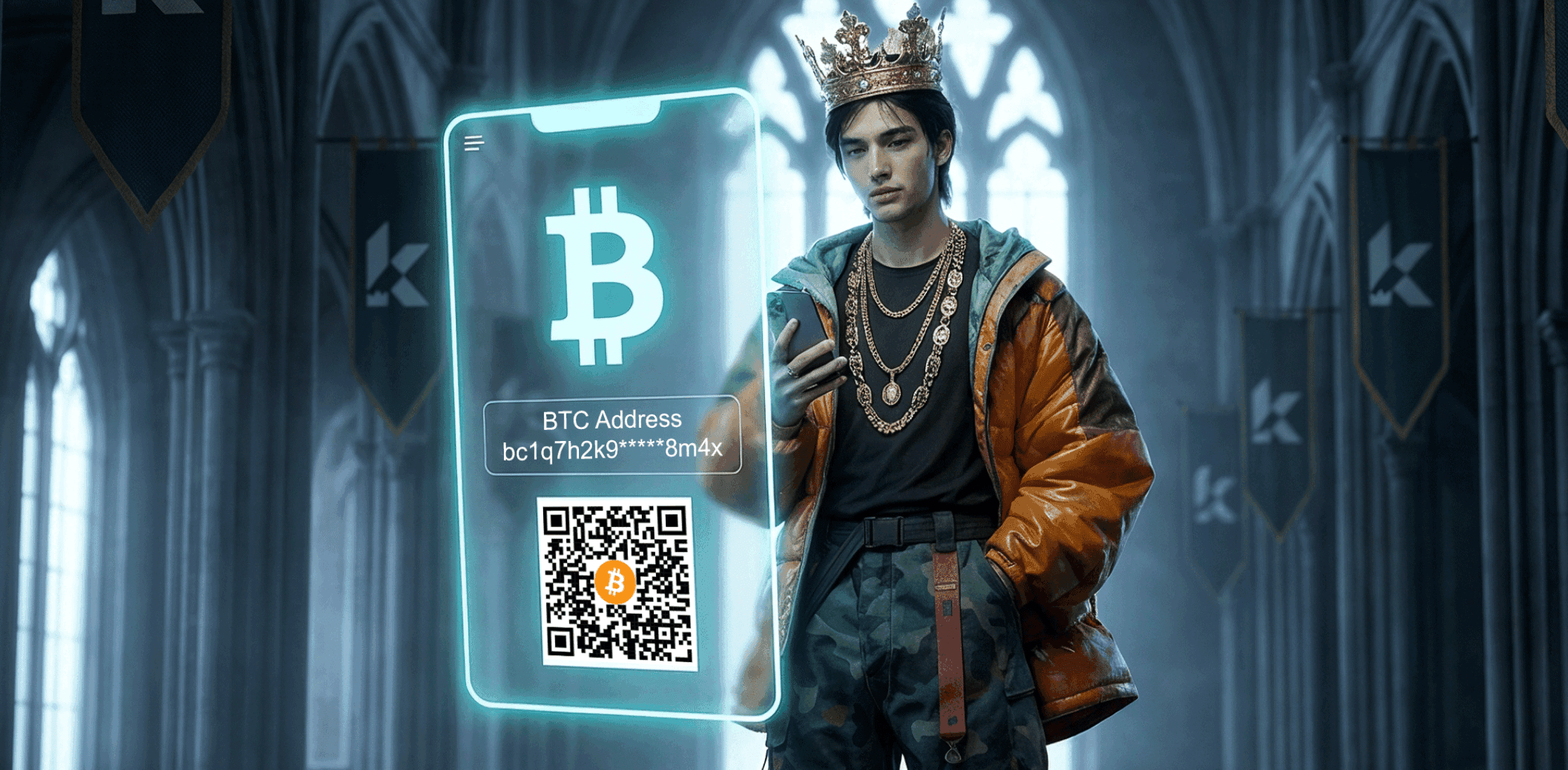
How to Create a Bitcoin Wallet Address (Beginner's Guide)
First time setting up a Bitcoin wallet? It's easy and can be done in a few quick steps. Here's how.
Most prizes on RaffleKing live on the Ethereum network (ETH, USDC, USDT, blue-chip NFTs). When you sign up, your Ethereum wallet links automatically, so if you win an EVM prize like USDC, it lands in your account without you lifting a finger. For any other prize – SOL or BTC, for instance – you'll need to add a separate wallet address in Settings.
Here's why: unlike bank networks, blockchains aren’t interlinked and don't talk to each other. Bitcoin only moves on the Bitcoin network, SOL only moves on Solana, and so on. If you send funds on the wrong network, you cannot reverse the transaction and funds can be permanently lost.
The good news is it only takes a few minutes to create a Bitcoin address.
The beginner route: a centralised exchange
The easiest way to generate and manage a new Bitcoin wallet address is through a centralised exchange (CEX) like Binance, Coinbase, or Kraken. A CEX acts as the custodian of your funds, and it's similar to a banking app in many ways.
There are a number of benefits to using a CEX, namely:
- No seed phrase to manage
- Your account is recoverable if you lose your password
- The interface will feel more familiar than a DeFi wallet if you're coming from Web2
- Cashing out to your bank account is typically built in
One thing to note: lost funds or transaction mistakes aren't recoverable, even on a CEX. The exchange holds your account, but it isn't responsible for any mistakes.
The Web3-native route: a non-custodial wallet
If you want full control over your assets and more privacy, a non-custodial wallet like Exodus is the way to go. The trade-off is responsibility: lose your seed phrase or private key, and you're locked out permanently.
Here’s a walk through on both.
Setting up a Bitcoin wallet on Binance
Head to Binance.com and click Sign Up. You'll need an email address and to complete a quick identity verification (KYC) before your account is fully active. This is standard on all centralised exchanges.

Once you're in, find Account Wallet in the top right corner.
Click Deposit, then select Deposit Crypto.
In the Deposit window, search for Bitcoin and select BTC as both the coin and the network.

Binance will generate a deposit address for you – this is your Bitcoin wallet address.
Note: Your wallet address works like an email address: sharing it does not give anyone access to your account or assets. That said, always double-check any permissions a platform asks for.
Setting up a Bitcoin wallet on Exodus
Exodus is one of the most popular self-custodial Bitcoin wallets. Unlike Binance and other CEXs, no company holds your funds on your behalf, and you are solely responsible for managing your seed phrase. There's no support team to help you, so keep the phrase somewhere safe, offline, and never share it.
Setup is faster than a CEX, with fewer steps and no KYC checks required.
To get started, head over to Exodus.com and install the wallet application.
Once you’ve downloaded the app, you’ll be prompted to take action (deposit, import wallet or buy crypto).
Click Receive Crypto, then select BTC.

Exodus will instantly generate your wallet address.
Final thoughts
Centralised exchanges all follow a similar onboarding flow, whether it's Kraken, OKX or Coinbase. The same applies to self-custodial wallets: Exodus is a solid choice, but there are many more worth exploring, including Trust Wallet, Electrum and Zengo. Bitcoin is the biggest crypto by market cap and any reputable wallet or exchange will give you what you need.
Once you have your Bitcoin address, just head to RaffleKing Settings, paste it in, and you're set to get in the game.